How to Use Interactive Whiteboards for Math Lessons | FVASEE
6 Practical Ways to Use FVASEE Interactive Whiteboards for Math Lessons
Interactive whiteboards have become an essential smart classroom technology in modern education, transforming how teachers deliver lessons and how students engage with content. In mathematics instruction, high-quality interactive displays enrich learning by making abstract concepts visible, boosting collaboration, and supporting active problem solving.
Below are six effective ways to integrate FVASEE interactive whiteboards into math lessons to support student comprehension, participation, and achievement.
1. Foster Student Collaboration and Engagement
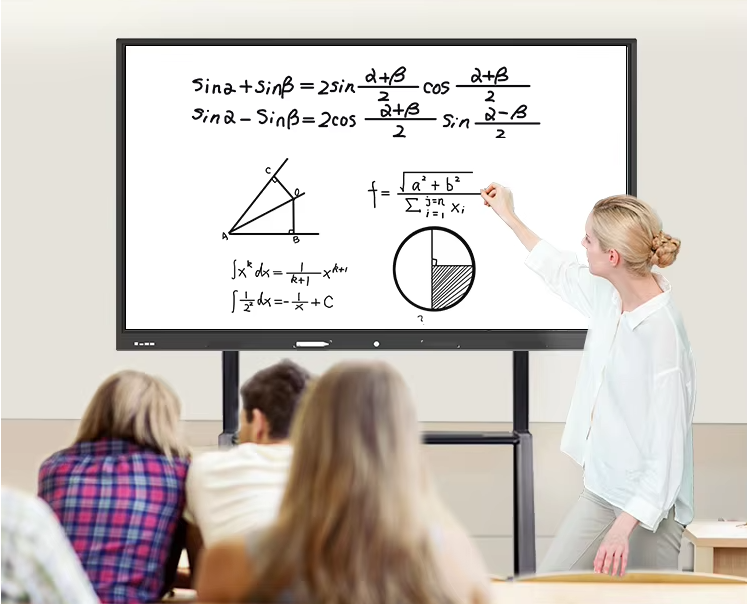
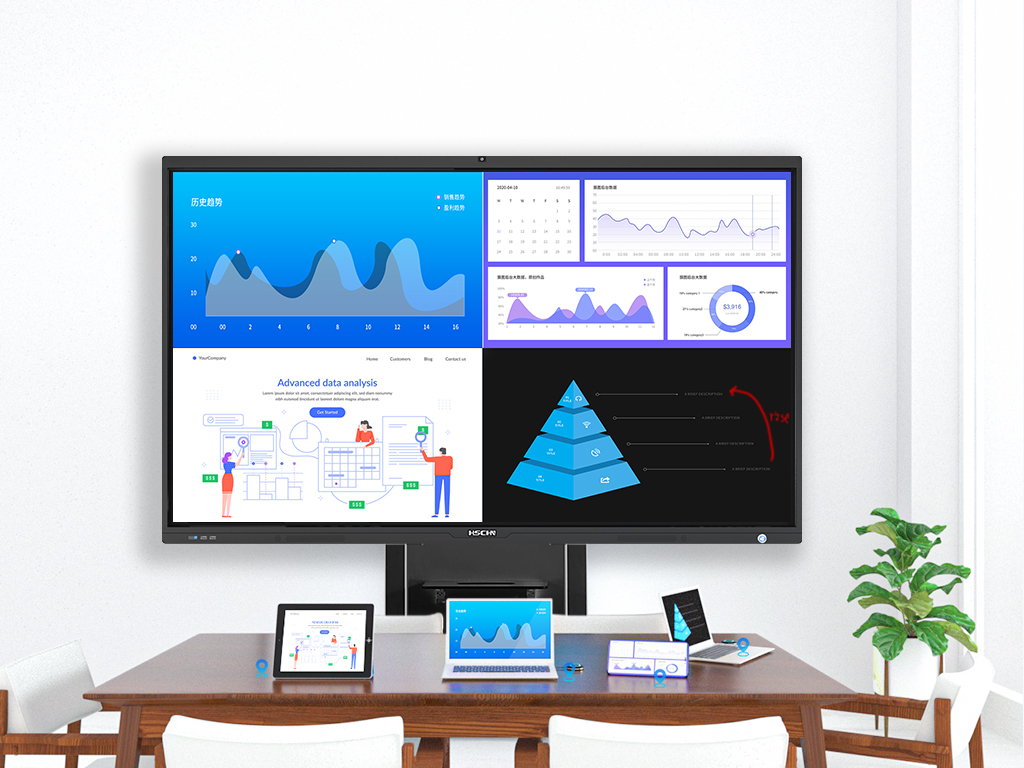
One of the strongest advantages of an interactive whiteboard is its ability to promote student collaboration. Teachers can project math problems directly onto the display, invite students to work through problems together, and even have them share their work from individual devices onto the board. This interactive setup encourages peer learning and deeper engagement.
With FVASEE’s multi-touch interactive displays, multiple students can interact simultaneously, enhancing group participation in algebra, geometry, and other math sessions. This level of involvement supports differentiated instruction and keeps students actively involved in the learning process.
2. Visualize Mathematical Concepts with Built-In Tools
Interactive whiteboards can include built-in teaching tools such as rulers, protractors, and measurement grids. In math lessons—especially geometry—these tools help teachers demonstrate shapes, angles, and geometric relationships with precision, making abstract ideas more concrete.
With FVASEE platforms, teachers can streamline demonstrations of geometric constructions, measurements, and diagrams, helping students better connect visual representations with mathematical theories.
3. Enhance Lessons Using Digital Annotation and Problem Solving
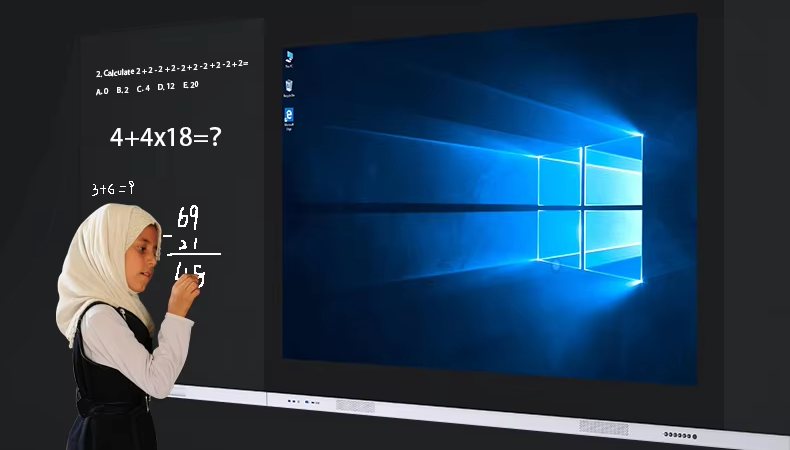
Like traditional whiteboards but far more powerful, FVASEE interactive whiteboards provide digital annotation features. Teachers and students can write equations, draw graphs, and manipulate diagrams directly on the screen.
This functionality supports dynamic problem solving:
* Annotate steps of an equation in real time
* Compare multiple solutions side by side
* Save and revisit student responses during review sessions
Split screen and pen tools make it easy to guide different students or groups through math problems simultaneously.
4. Save and Share Math Notes and Lesson Materials
A key advantage of digital whiteboards is the ability to save written content and class notes instantly. After exploring a unit on quadratic equations or transformations, teachers can export the annotated lesson, distribute it to students, or upload it to a virtual classroom platform.
This capability supports both in-class learners and students in hybrid or remote settings, ensuring continuity of learning and helping students review complex math concepts on their own time.
5. Integrate Educational Software and Online Tools
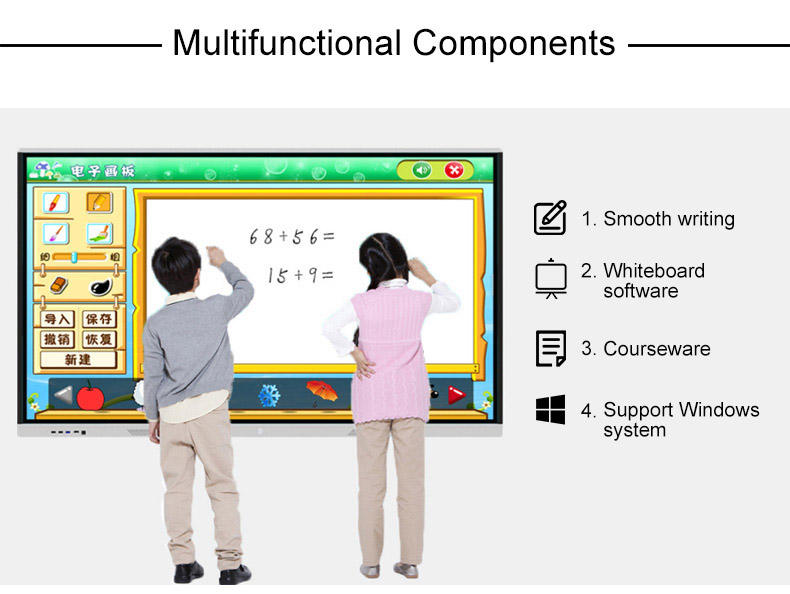
FVASEE interactive whiteboards support compatibility with a wide range of educational software and web-based tools. Teachers can launch graphing calculators, math visualization apps, or interactive practice platforms directly on the board during instruction.
By integrating online math resources, instructors can demonstrate functions in real time, explore interactive graphs, and provide students with immediate opportunities to interact with learning tools.
6. Incorporate Math Games for Practice and Review
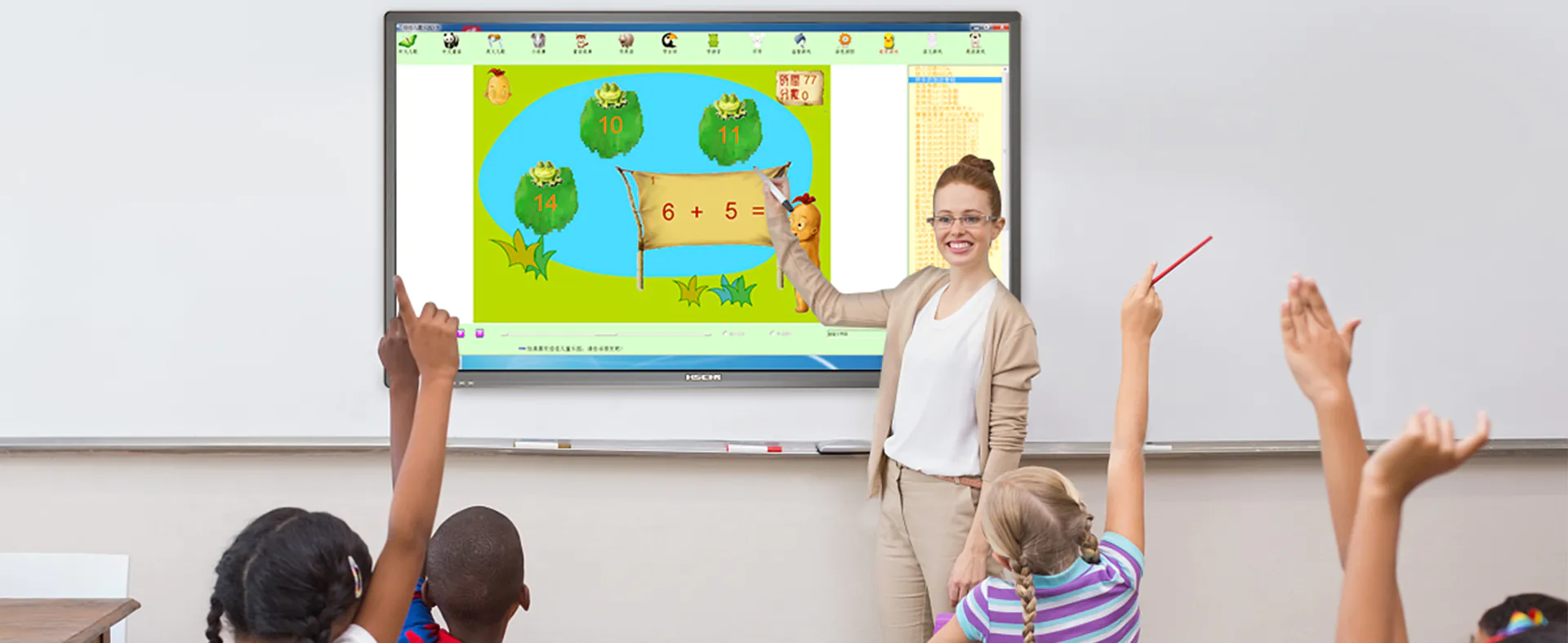
Games and challenges make math lessons more fun and memorable. Interactive whiteboards provide an ideal platform for class-wide math games, review competitions, and group activities that reinforce core concepts.
Teachers can download or launch educational math games, encourage student participation, and use real-time feedback to assess understanding. This approach not only boosts engagement but also helps students build confidence with foundational math skills.
Why FVASEE Interactive Whiteboards Matter in Math Education
Incorporating interactive classroom technology into math instruction supports conceptual understanding, active learning, and student collaboration. Research shows that when interactive tools are used thoughtfully—beyond just display technology—they can change the way students engage with content and improve class participation.
FVASEE interactive whiteboards combine powerful multi-touch performance with flexible teaching tools and seamless integration, making them a valuable asset for schools and educators striving to build modern, student-centered math classrooms.