Why Schools Are Upgrading to Interactive Whiteboards | FVASEE
Why Schools Are Choosing FVASEE Interactive Whiteboards for Classroom Upgrades
Education is shifting to more interactive, student-centered models. As technology continues to evolve, schools are seeking tools that not only present information but also support engagement, collaboration, and teaching efficiency.
In this transition, many schools are moving away from chalkboards and basic projectors toward interactive whiteboards — large, touch-enabled displays that bring lessons to life. Among the options available, FVASEE interactive whiteboards are increasingly chosen for their balance of performance, usability, and classroom-ready features.
Here’s a look at the key reasons schools are upgrading to interactive whiteboards, and how FVASEE solutions align with real teaching needs.
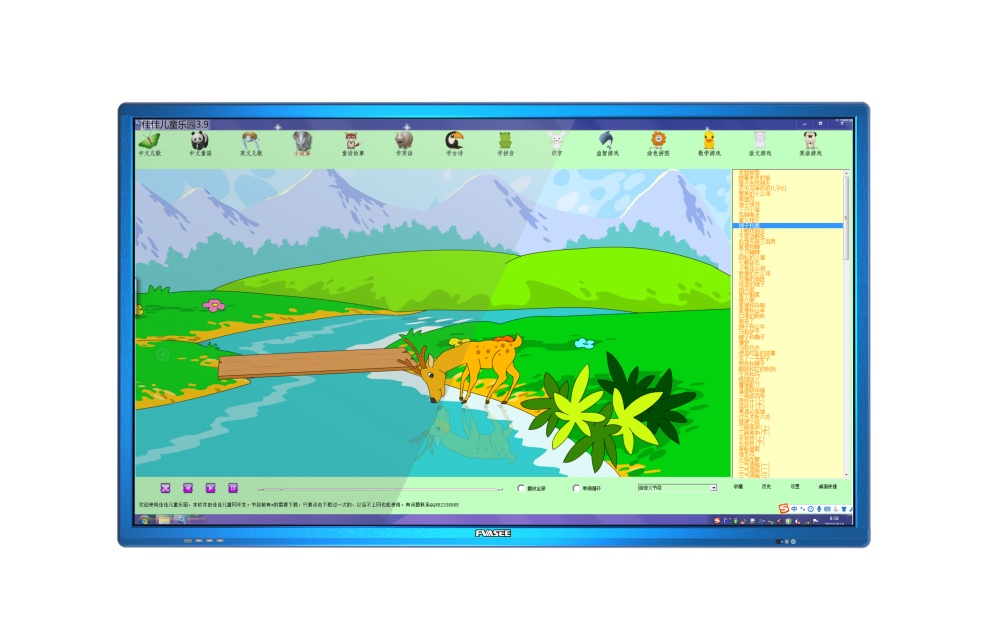
1. Increased Student Engagement Through Direct Interaction
One of the most immediate benefits teachers notice with interactive whiteboards is how much more involved students become in lessons.
Traditional presentations can be passive. With FVASEE displays, students don’t just watch — they touch, drag, write, and interact with content directly on the screen. Teachers can invite hands-on participation during activities such as:
* solving math problems on the board,
* matching vocabulary items with images,
* demonstrating science concepts with interactive simulations.
This active participation keeps students attentive and helps reinforce learning in ways that static boards cannot.
2. Clear and Consistent Content Delivery
Classrooms vary in size and lighting conditions. Projected images can be hard to see when rooms are bright or when students sit far from the screen. FVASEE interactive whiteboards deliver bright, sharp images with clear text that’s easy to read from every seat.
This consistency helps ensure that all students — not just those in the front row — can view and absorb lesson content. Clear visual quality also supports lessons that rely on diagrams, charts, or multimedia elements.
3. Simplified Teaching Workflow
Teachers today juggle many tools and resources. Interactive whiteboards reduce the complexity of class setup by combining display, annotation, and connectivity in one device.
With FVASEE interactive whiteboards, educators can:
* open lesson materials stored on cloud drives,
* annotate directly over slides,
* switch between apps and media without swapping devices.
This streamlined workflow helps teachers focus on instruction rather than technology setup.

4. Built-In Tools That Support Collaboration
Collaborative learning is a priority in modern classrooms. FVASEE displays support multi-touch, meaning several students can work on the screen at the same time. Group tasks such as brainstorming, sorting exercises, and shared problem solving become more natural.
During group activities, teachers can also save student work for review or follow-up — making collaboration both visible and productive.
5. Integration with Digital Resources and Platforms
As curriculum resources expand online, interactive displays need to connect smoothly with other tools. FVASEE interactive whiteboards are designed to support a wide range of software and connectivity options:
* Wi-Fi and wired network access
* Screen mirroring from student devices
* Compatibility with cloud platforms
* Support for education-specific applications
This flexibility means teachers can draw from a broad set of digital resources without tech barriers.
6. Future-Ready Teaching Technology
Investing in classroom technology isn’t just about today’s lessons — it’s about building capacity for future instructional needs.
Schools upgrading to FVASEE interactive whiteboards set themselves up for:
* multimedia-rich instruction,
* hybrid teaching when needed,
* shared screen access across devices,
* and a platform that can grow with education trends.
This future-ready approach helps schools stretch their technology investment further.
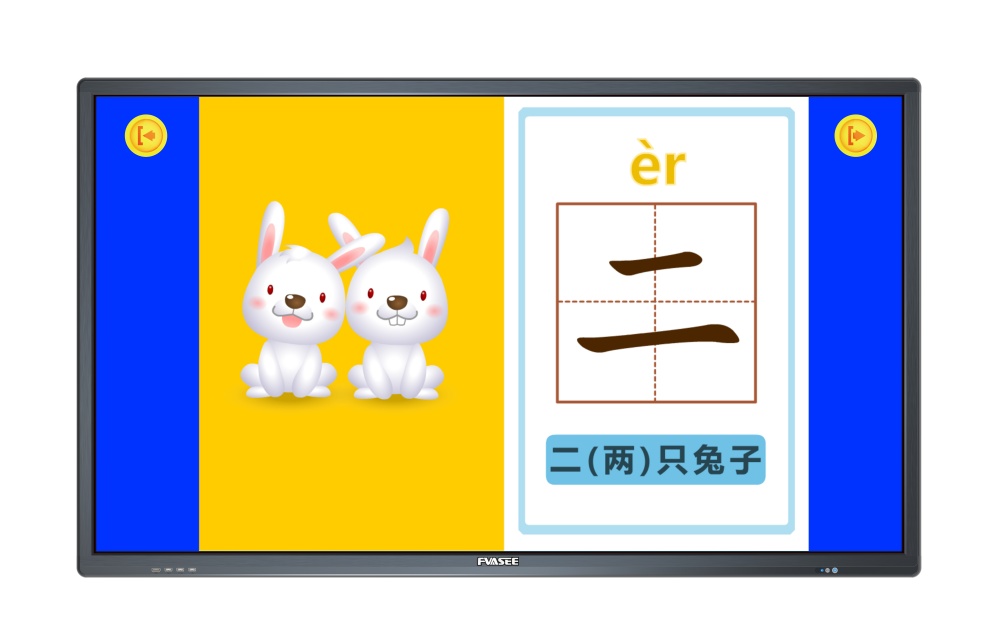
A Practical Step Forward in Classroom Technology
The shift toward interactive whiteboards reflects broader changes in teaching and learning — toward participation, clarity, and technology integration that supports real classroom goals. In choosing FVASEE, schools are selecting displays built to meet the demands of everyday teaching: ease of use, strong visuals, flexible connectivity, and tools that help teachers focus on learning, not setup.
Upgrading to interactive whiteboards is not just about newer hardware — it’s about empowering teachers and students with tools that support meaningful learning every day.